Revolutionizing Inventory Management in Bangladesh with GPAC ERP Software
August 6, 2025বাংলাদেশের সেরা অ্যাকাউন্টিং সফটওয়্যার
August 9, 2025Best Accounting Software for Small Business in Bangladesh

Jump to Section:
🟩 Introduction
Running a small business in Bangladesh comes with countless challenges—managing income, expenses, stock levels, and staff payments shouldn’t be one of them. Accounting software streamlines these tasks, ensuring accuracy, compliance, and real-time insights. In this guide, we’ll compare the top solutions available in 2025 and explain why GPAC Software remains the top choice for Bangladeshi SMEs.
🟩Why Small Businesses in Bangladesh Need Accounting Software
- ✅ Efficiency & Accuracy: Automate sales, purchases, and ledger entries to eliminate manual errors.
✅ Regulatory Compliance: Generate NBR-compliant VAT and tax reports at the click of a button.
✅ Real-Time Insights: Monitor profits, stock levels, and cash flow instantly.
✅ Scalability: Support growth with multi-user access, permissions, and modular add-ons.

🟩What to Look for in the Best Accounting Software
- Ease of Use — Intuitive UI with minimal training required.
- VAT & Tax Ready — Pre-built NBR formats (e.g., VAT 6.3, VAT 6.6).
- Inventory Management — Track stock, sales, returns, and reorder levels.
- Payroll & HR — Handle salaries, attendance, and bonuses.
- Online & Offline Access — Cloud deployment plus a desktop option.
- Mobile Friendly — Manage on smartphones and tablets.
- Affordable Pricing — Plans in BDT with no hidden fees.
- Local Support — Bangladesh-based helpdesk and training.
🟩Top 5 Accounting Software for Small Businesses in Bangladesh
1. GPAC Software — Best Overall for SMEs in Bangladesh
Website: https://gpacsoftware.com
- ✅ Automated journal entries & ledger posting
✅ Real-time inventory tracking & replenishment alerts
✅ NBR-compliant VAT (6.3, 6.6) and tax reports
✅ Payroll, HR, and attendance modules
✅ Cloud + offline desktop editions; Android/iOS apps
✅ Role-based multi-user permissions
Why Choose GPAC? Designed for Bangladeshi workflows—no extra configuration needed. Strong local support and training ensure you’re never stuck.
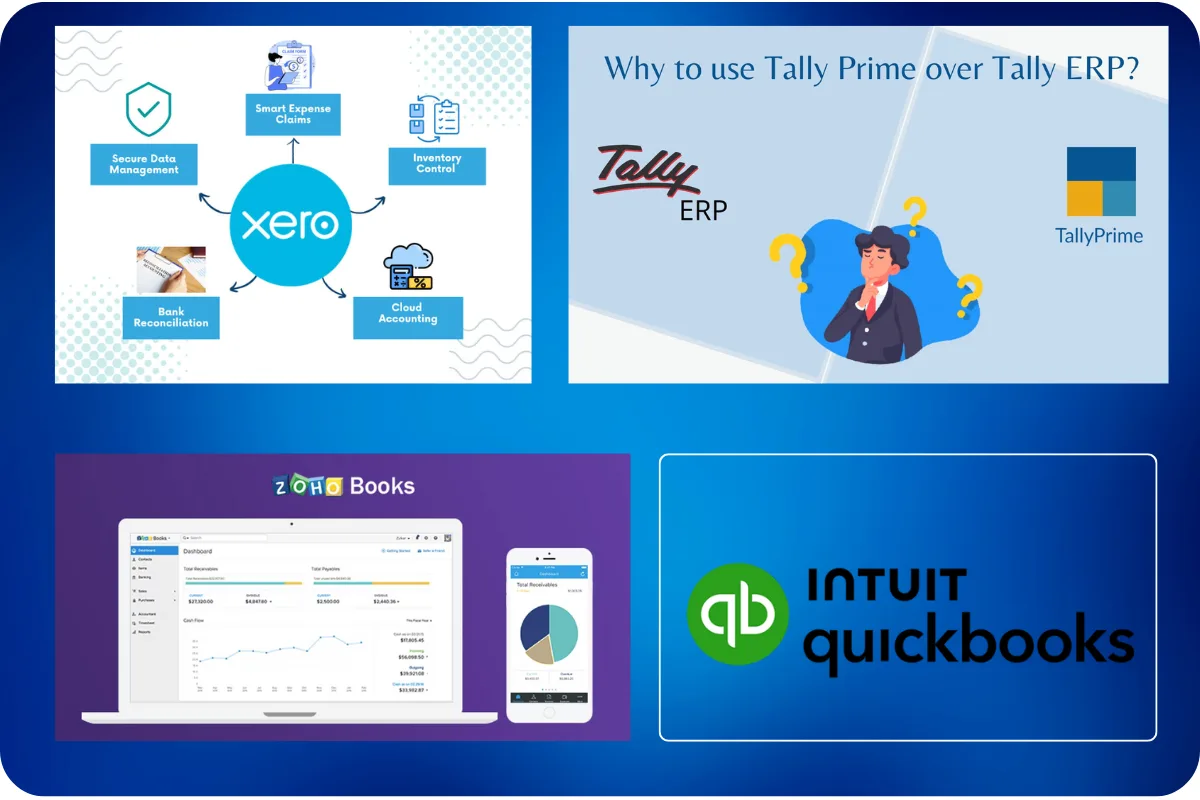
2. QuickBooks (Intuit) — Best for International Transactions
Website: Visit QuickBooks
- Pros: User-friendly UI, robust expense tracking, multi-currency support
- Cons: No built-in NBR formats, USD-based subscription
Best For: Businesses dealing with overseas clients or import/export operations.
3. Xero — Great for Freelancers & Remote Teams
Website: Visit Xero
- Pros: Clean cloud interface, real-time collaboration, third-party integrations
- Cons: Lacks local tax modules, higher full-feature plan cost
Best For: Freelancers, digital agencies, and global e-commerce stores.
4. TallyPrime — Trusted by Traditional Accountants
Website: Visit Tally
- Pros: Powerful ledger & voucher management, offline mode
- Cons: Steep learning curve, limited cloud features
Best For: Traditional businesses with in-house accountants.
5. Zoho Books — Modern Cloud Solution with Sleek UI
Website: Visit Zoho Books
- Pros: Intuitive dashboards, Zoho ecosystem integration, mobile app
- Cons: No native NBR compliance, limited Bangladesh support
Best For: SMEs already using Zoho suite (CRM, Inventory, etc.)
🟩Why GPAC Software Stands Out
- Built for Bangladesh: Pre-configured VAT and tax modules.
- Responsive Local Support: Dhaka-based help via phone, email, and remote access.
- Flexible Pricing: Pay in BDT with no hidden costs.
- Offline + Online: Hybrid setup ensures continuity in low-internet zones.
- Industry Coverage: Trusted by 500+ SMEs across retail, manufacturing, NGO, and education sectors.
🟩Final Thoughts
Choosing the right accounting software transforms business management from a chore into a strategic advantage. For small businesses in Bangladesh, GPAC Software delivers unmatched local expertise, deep features, and affordability—making it the clear winner in 2025.
Frequently Asked Questions
1. Why is GPAC suitable for small and growing businesses?
GPAC combines accounting, inventory, sales, purchasing, POS, tax management, payroll, and business operations in one integrated platform.
2. Does GPAC support tax calculations and tax reports?
Yes. GPAC supports configurable tax calculations, tax-inclusive or tax-exclusive transactions, and tax-related reports based on the selected edition, business requirements, and system configuration.
3. Can GPAC support different tax rules?
GPAC can be configured to support applicable sales tax, VAT, GST, or other tax structures according to the business location, transaction type, and operational requirements.
4. Is GPAC suitable for startups with a limited budget?
Yes. GPAC offers different editions and subscription plans, allowing businesses to begin with essential modules and add more features as their requirements grow.
5. What modules are available for small businesses?
Available modules include Accounting, Inventory, Sales, Purchasing, POS, Tax Management, Banking, Payroll, HRM, CRM, Manufacturing, and Distribution, depending on the selected edition.
6. Can GPAC be accessed from mobile devices?
The cloud-based version can be accessed through a supported web browser on desktops, laptops, tablets, and compatible mobile devices with an internet connection.
7. How does GPAC support business growth?
GPAC supports multiple users, branches, warehouses, projects, departments, user roles, and additional modules, allowing the system to expand with the operational requirements of the business.
8. Can I manage payroll and HR with GPAC?
Yes. GPAC HRM and Payroll can manage employee information, attendance, salary processing, allowances, deductions, leave, and related reports based on the configured workflow.
9. What support services are available?
GPAC provides implementation, software user training, onboarding, phone and email support, remote assistance, user guides, and training resources according to the applicable service plan.
10. How do I start using GPAC?
Start with a free trial or live presentation, select the appropriate edition and modules, and then complete the setup, configuration, onboarding, and software user training process.