Why GPAC ERP is the Smart Choice for Bangladeshi SME
November 2, 2025All-in-One ERP: Manage Sales, Purchase, Inventory & Accounts in One System
Jump to Section:
- ✅ Introduction
✅ Why “All-in-One ERP” Matters for Growing Businesses
✅ What Is GPAC ERP Standard Edition?
✅ Key Modules in GPAC ERP Standard Edition
✅ Benefits You Can Expect After Using GPAC ERP Standard Edition
✅ Who Should Use GPAC ERP Standard Edition?
✅ How to Get the Best Results From ERP Implementation
✅ Common Mistakes Businesses Make Without ERP
✅ Final Thoughts
✅ Get Started with GPAC
✅ Frequently Asked Questions (FAQ)
Introduction
Running a business gets complicated when your teams manage sales, purchase, inventory (stock), and accounts in separate tools. Sales might be recorded in one place, stock updates happen later (or not at all), and accounts often rely on manual adjustments. Over time, this creates the problems owners hate most: mismatched reports, stock confusion, delayed decisions, and unnecessary stress.
GPAC ERP Standard Edition is built to solve that exact challenge. It brings your daily operations into a single, connected workflow—so every transaction updates the right modules automatically. When sales and purchase are connected with stock and accounts, your business runs smoother, reporting becomes reliable, and your team spends less time fixing errors.
This blog explains what GPAC ERP Standard Edition is, why it matters, and how it helps you run operations efficiently—especially if your business is growing and you want a system that is powerful but still user-friendly.
Why “All-in-One ERP” Matters for Growing Businesses
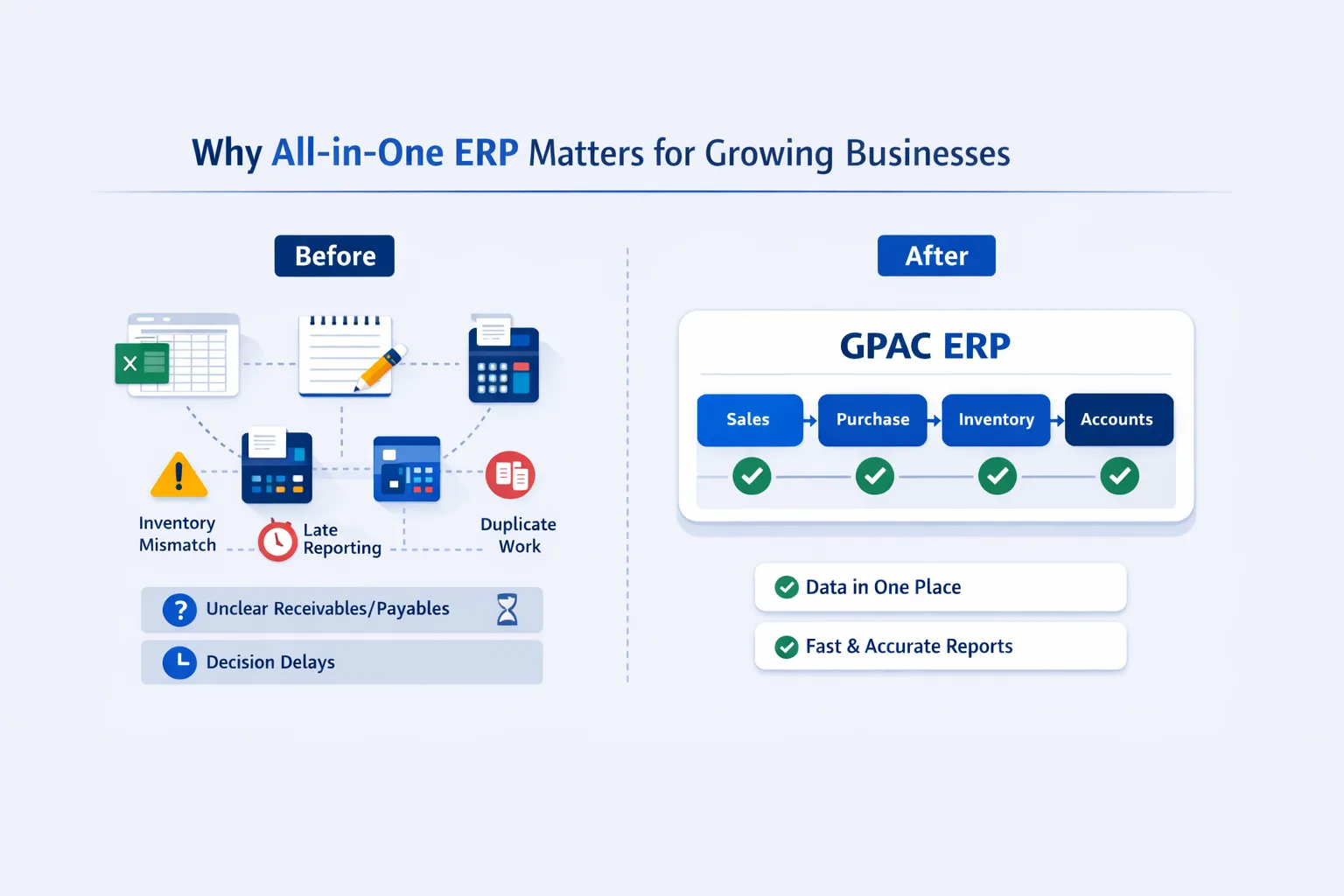
Many businesses begin with a combination of tools: spreadsheets for stock, notebooks for purchasing, a POS or invoicing application for sales, and separate accounting software. This approach may work initially, but as transaction volume grows, small gaps can develop into larger operational challenges.
Common challenges include:
- Inventory mismatch: Physical stock may not match the balance recorded in the software.
- Delayed reporting: Sales, profit, and inventory reports may take longer to prepare.
- Duplicate work: The same information may need to be entered into several systems.
- Unclear receivables and payables: Customer and supplier balances can become difficult to track.
- Delayed decisions: Business owners may not have reliable access to current operational data.
An all-in-one ERP brings these processes together within one connected platform, allowing information to move across departments with less duplication and better visibility. It transforms software from a simple record-keeping tool into a system that supports day-to-day business operations.
What Is GPAC ERP Standard Edition?
GPAC ERP Standard Edition is a practical ERP designed for businesses that want:
• Sales + Purchase + Inventory + Accounts in one platform
• A workflow that is simple for users, not overly complex
• Fast daily operation for billing, tracking, and reporting
• Better visibility for management and better control for operators
Instead of managing operations in separate systems, GPAC connects them. That means when you do a sale, stock updates. When you receive a purchase, inventory changes and accounts reflect that vendor liability. When payments are received or made, balances adjust correctly.
This interconnected workflow is what makes an ERP valuable—because it reduces manual reconciliation and improves accuracy.
What Makes GPAC ERP Standard Edition User-Friendly?
Many ERP systems fall short not because they lack features, but because users find them difficult to understand and operate. Even a powerful system can lose value when workflows feel complicated, users avoid data entry, and information becomes incomplete or inconsistent.
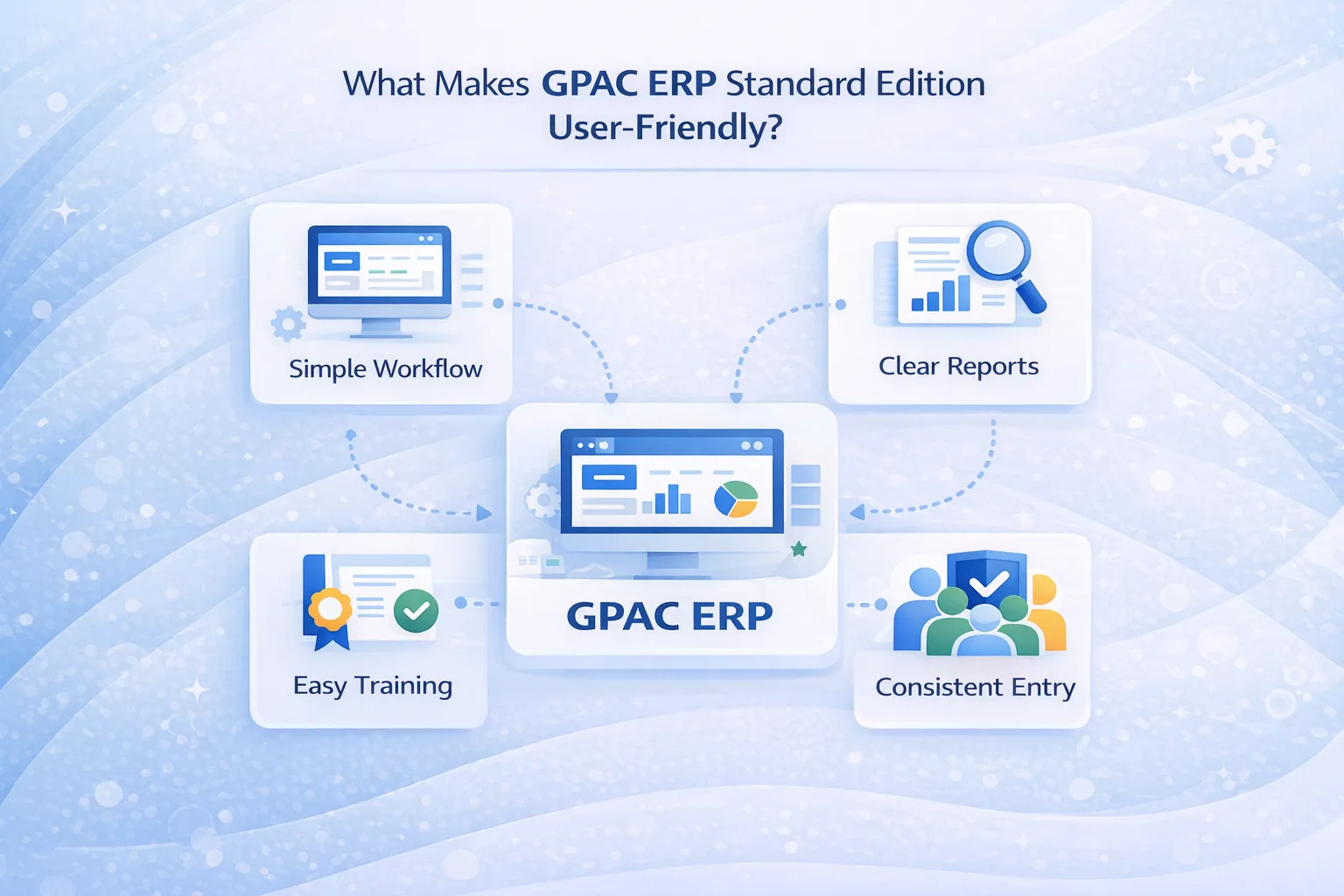
GPAC ERP Standard Edition is designed to support usability through:
- Practical workflows: Processes are structured around common day-to-day business activities.
- Organized screens: Consistent layouts and data-entry patterns help users navigate the system more confidently.
- Clear reporting: Reports are designed to support routine operational and management requirements.
- Role-based structure: The system supports both operational users and management-level review.
The result is easier adoption, fewer data-entry errors, and more consistent reporting across business operations.
Key Modules in GPAC ERP Standard Edition
GPAC ERP Standard Edition brings essential business modules into one connected workflow, allowing sales, purchasing, inventory, and accounting transactions to work together within a single platform. This integration helps reduce duplicate data entry, improve stock visibility, maintain consistent financial records, and support faster, more informed business decisions.
1) Sales Management: Faster Billing and Better Customer Tracking
Sales is the heartbeat of daily operations. A good sales module should help you bill quickly, track customer history, and keep receivables clean.
With a structured sales flow, you can typically:
• Create sales invoices and sales-related documents efficiently
• Track customer-wise sales history and outstanding amounts
• Monitor sales performance by item, group, or date range
• Reduce billing errors through consistent entry and validation
Why this matters: Sales isn’t only about printing invoices. Sales should also automatically connect to inventory and accounts so your reports remain accurate.
2) Purchase Management: Control Cost, Stock Inflow, and Vendor Payables
Purchase is not only about receiving items—purchase directly affects:
• Stock availability
• Product cost
• Payable balances
• Profit accuracy
GPAC ERP Standard Edition helps businesses organize purchase activity so you can:
• Track vendor-wise purchases and due amounts
• Maintain clean purchase documentation and history
• Support purchase workflow and approvals (if configured)
• Keep inventory updated immediately after receiving stock
Why this matters: When purchase is disconnected from accounts, vendor balances become unreliable. When purchase is disconnected from inventory, stock planning becomes guesswork.
3) Inventory Management: Real-Time Stock and Better Decisions
Inventory control is one of the biggest reasons businesses move to ERP.
With a connected inventory module, you can:
• View stock quantity by item and by warehouse/godown
• Track stock in, stock out, and stock balance
• Reduce overstock and prevent stock-outs
• Identify fast-moving vs slow-moving items
• Support stock adjustments and physical verification processes
Business impact: Reliable inventory reporting improves purchase planning and reduces cash tied up in idle stock. When inventory is accurate, management decisions become faster and safer.
4) Accounts & Finance: Know Your Real Receivables, Payables, and Profit
Accounts is where business owners look to measure performance. But accounts becomes inaccurate when it’s not connected with sales, purchase, and inventory.
With accounts integrated into ERP, you can manage:
• Receivables (customer dues and payment tracking)
• Payables (vendor dues and settlement)
• Cash/bank position visibility
• Transaction-based reporting without manual reconciliation
• Financial summaries that reflect actual operational activity
Why this matters: When all modules are connected, your financial reports match the reality of sales and inventory movements. That reduces time spent “fixing numbers” and increases confidence in reporting.
Benefits of Using GPAC ERP Standard Edition
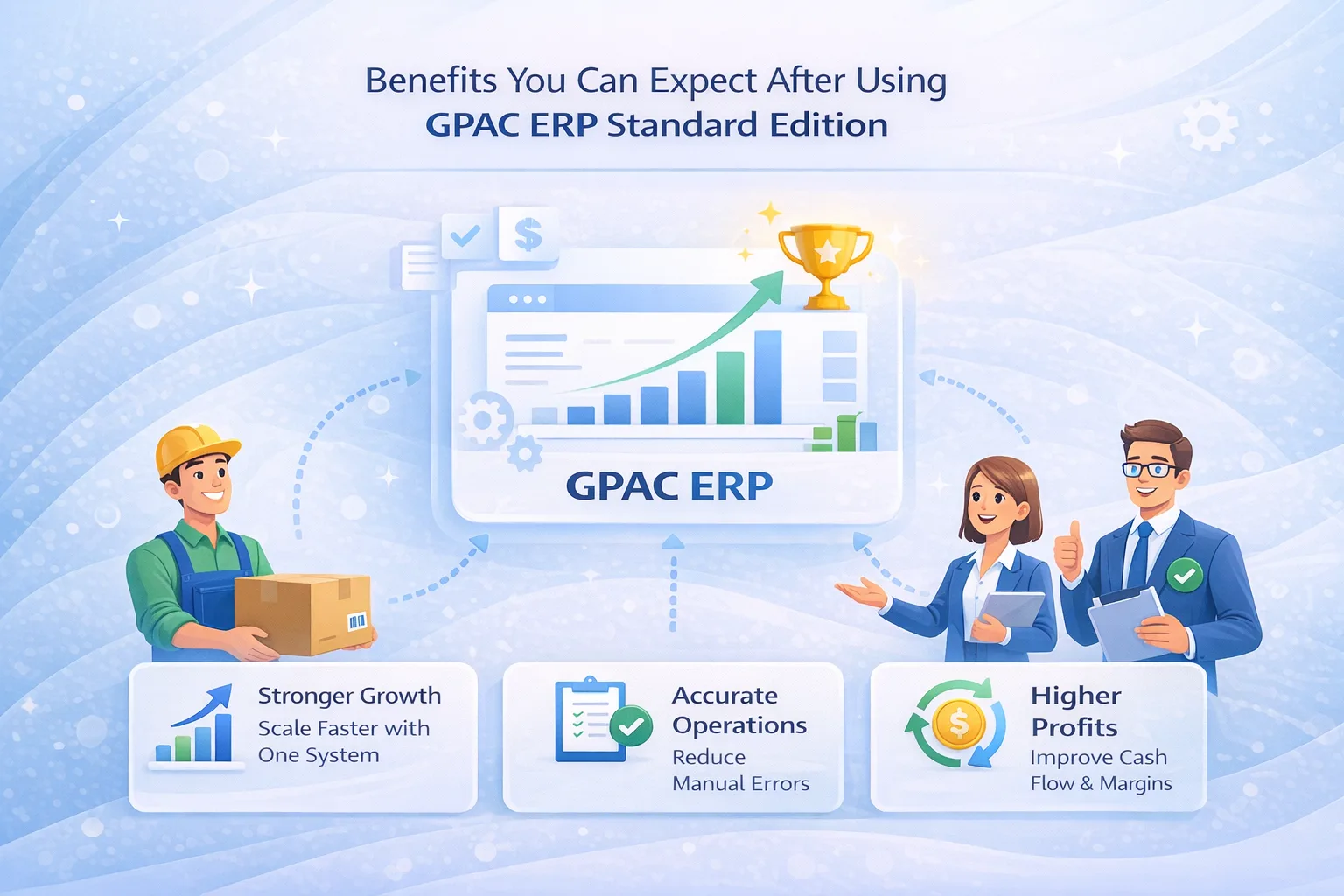
Less Manual Work and Fewer Duplicate Entries
When sales, purchasing, inventory, and accounting share one connected database, information can move between modules with less repetitive data entry.
Better Stock Visibility and Inventory Control
Inventory balances are updated from recorded transactions, helping users monitor stock movement, identify discrepancies, and make better purchasing decisions.
Clearer Receivables and Payables Tracking
Customer and supplier balances, due amounts, and transaction histories remain available within one system for easier review and follow-up.
Faster Reporting and Better Decision Support
Owners and managers can review operational and financial reports without depending entirely on manual data consolidation.
Improved Accountability and Audit Visibility
Standardized transactions and user-based records help create clearer audit trails and improve responsibility across business processes.
See How GPAC Connects Your Business Operations
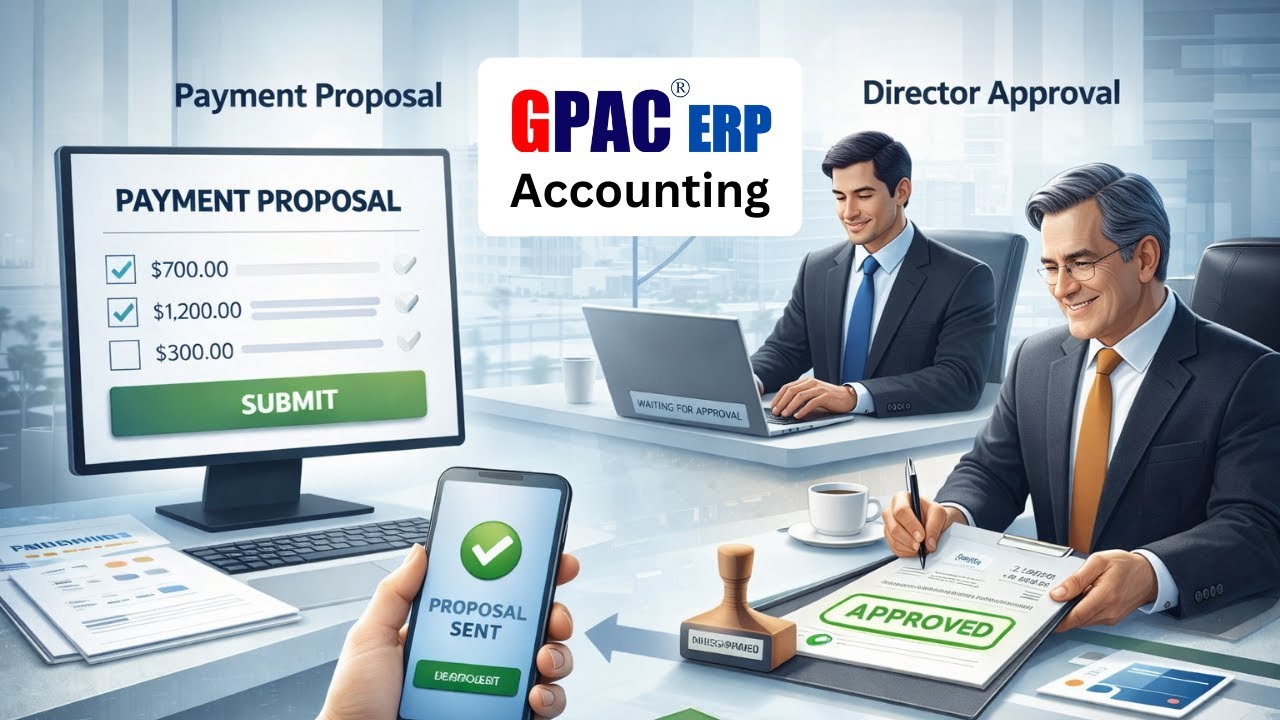
Watch how GPAC Software connects sales, purchasing, inventory, and accounting within one integrated workflow. Sales transactions update stock, purchases increase inventory, and financial records remain synchronized for faster reporting, improved accuracy, and better operational control.

Who Should Use GPAC ERP Standard Edition?
GPAC ERP Standard Edition is suitable for businesses that:
- Manage frequent daily sales, purchasing, and financial transactions.
- Need organized inventory control and reliable stock reporting.
- Want better visibility into customer receivables and supplier payables.
- Require a practical and user-friendly ERP system without unnecessary complexity.
- Need connected workflows across sales, purchasing, inventory, accounting, and operational reporting.
It is commonly used by trading, distribution, retail, manufacturing, and service-based businesses that depend on inventory movement, invoicing, receivables, payables, and coordinated business operations.
How to Get Better Results from ERP Implementation
ERP implementation works best when business data, workflows, user roles, and reporting requirements are clearly defined from the beginning. The following steps can help create a more organized and effective implementation process.
1. Start with Accurate Master Data
Prepare clean and consistent item records, units of measurement, customer and supplier lists, chart of accounts, opening balances, and other essential setup information. Accurate master data improves transaction quality and reporting reliability.
2. Define Business Workflows
Confirm how the business manages purchasing, receiving, sales invoicing, returns, payments, inventory transfers, stock adjustments, approvals, and related accounting processes before configuring the system.
3. Assign Roles and Responsibilities
Define which users will enter transactions, approve documents, review reports, manage inventory, and monitor financial information. Clear user responsibilities help improve accountability and data consistency.
4. Train Users Based on Real Tasks
Provide role-based user training using actual business scenarios such as billing, purchase entry, stock checking, payment processing, and accounts review. Practical training helps users adopt the system more effectively.
5. Review Data and Reports Regularly
ERP is not only a transaction-entry system. Regularly review stock, sales, purchasing, receivables, payables, profitability, and financial reports to identify inconsistencies and support better business decisions.
6. Improve the System Continuously
Review user feedback, business-process changes, reporting needs, and operational challenges after implementation. Configuration, workflows, permissions, and reports can be refined as the business grows and evolves.
Common Mistakes Businesses Make Without an Integrated ERP
1. Sales Are Recorded, but Inventory Is Not Updated
When sales and inventory are managed in separate systems, stock balances may not reflect completed sales transactions.
ERP approach: Connected sales transactions update the related inventory records based on the configured workflow.
2. Purchases Are Recorded, but Supplier Payables Are Not Tracked Properly
Separate purchasing and accounting processes can make supplier balances, due dates, and payment histories difficult to monitor.
ERP approach: Integrated purchase and accounting modules connect supplier invoices, payable balances, and related payment transactions.
3. Stock Is Adjusted Without a Clear Transaction History
Informal or manual stock changes can create discrepancies and make it difficult to determine who made an adjustment and why.
ERP approach: Structured stock-adjustment processes help maintain transaction details, reasons, user information, and supporting audit records.
4. Reports Are Prepared Only at the End of the Month
Delayed reporting can prevent managers from identifying stock, receivable, payable, and sales issues early.
ERP approach: Regular operational and financial reports can be generated from recorded transactions, helping management review business activity throughout the reporting period.
Frequently Asked Questions
1. What is an ERP system, and why do businesses need it?
An ERP, or Enterprise Resource Planning system, connects core business functions such as sales, purchasing, inventory, accounting, and reporting within one platform. It helps reduce duplicate work, improve data consistency, and provide more reliable information for business decisions.
2. Is GPAC ERP Standard Edition suitable for small and medium-sized businesses?
Yes. GPAC ERP Standard Edition is designed for growing businesses that need connected operational and financial workflows without the unnecessary complexity of a large enterprise system.
3. Can GPAC ERP Standard Edition manage inventory and accounting together?
Yes. The system connects inventory and accounting transactions. Depending on the configured workflow, purchases can update stock and supplier payables, while sales can update inventory balances and customer receivables.
4. What modules are included in GPAC ERP Standard Edition?
The Standard Edition includes essential business modules such as:
- Sales Management
- Purchase Management
- Inventory and Stock Management
- Accounts and Finance
- Bank Management
- Reporting and Analytics
Additional workflows, reports, and modules may be available depending on the selected plan, configuration, and business requirements.
5. Can GPAC ERP help reduce stock mismatch?
It can help reduce stock discrepancies when users consistently record purchases, sales, returns, transfers, and stock adjustments through the system. Accurate master data and disciplined transaction entry are also important for maintaining reliable inventory records.
6. How long does GPAC ERP implementation take?
Implementation time depends on business size, the number of users and items, data readiness, workflow complexity, customization requirements, and training needs. A clear implementation plan and accurate master data can help the process move more smoothly.
7. What reports are available in GPAC ERP?
Available reports may include:
- Sales summaries and item-wise sales reports
- Purchase summaries and supplier-wise purchase reports
- Stock ledgers and inventory valuation reports
- Receivable and payable aging reports
- Bank and cash transaction reports
- Profitability and financial summaries
- Applicable tax-related reports
8. What is the difference between ERP and accounting software?
Accounting software mainly focuses on financial transactions, ledgers, and statements. ERP connects accounting with sales, purchasing, inventory, banking, and other operational processes, allowing related transactions to be managed within one integrated system.

Final Thoughts: One Connected System Makes Business Simpler
As a business grows, managing sales, purchasing, inventory, accounting, and reporting through separate tools can create duplicate work, inconsistent records, and limited operational visibility. GPAC ERP Standard Edition brings these essential processes together within one connected platform, helping businesses maintain better control, reduce repetitive tasks, and make decisions using more consistent information.
Get Started with GPAC Software
Explore GPAC Software through a free trial or contact our team for product information, pricing, live demonstrations, onboarding, and implementation assistance.
- Start Free Trial: Launch GPAC Free Trial
- Bangladesh Sales: +880 19 7777 4722
- Global Sales: +1 307-445-3857
- Email: sales@gpacsoftware.com