Why GPAC ERP is the Smart Choice for Your Bangladeshi SME

Chat with us on WhatsApp
Live Chat

বাংলাদেশের সেরা অ্যাকাউন্টিং সফটওয়্যার
August 9, 2025

Why GPAC ERP is the Smart Choice for Your Bangladeshi SME

GPAC ERP — Introduction & Accounting Module

Introduction

The Enterprise Resource Planning (ERP) landscape in Bangladesh is highly competitive, yet the right solution for a Small and Medium Enterprise (SME) must go beyond basic functionality...

The SME sector is a crucial driver for national income and employment generation in a developing country like Bangladesh. While various global ERP brands are available, GPAC ERP (Generation-Next IT Solution Ltd.) distinguishes itself as an ideal platform. It is specifically designed not just for global-standard efficiency but also to meet the distinct, specific operational and regulatory needs of the Bangladeshi market.

The Key Functions or Modules of GPAC ERP Software

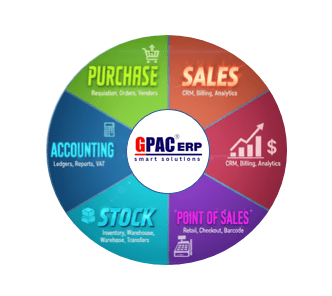
The GPAC Accounting Module is the financial backbone of the GPAC software suite. The module supports:

  • Chart of Accounts: Classifies accounts into Assets, Liabilities, Income, Expenditure, and Equity according to their business structure.
  • Opening Balance: This feature allows users to enter the financial information of their previous customers, clients, and vendors into the system.
  • Voucher System: The system supports Receipt Vouchers for incoming payments, Payment Vouchers for outgoing payments, Journal Vouchers for non-cash transactions, and Contra Vouchers for bank-to-cash transfer transactions.
  • Financial Reports: Users can access comprehensive records of all transactions through the General Ledger, track daily activities in the Day Book, and verify account balances with Trial Balance reports. The system also generates Balance Sheets and Income Statements to evaluate profit and loss, while Cash Flow Reports provide real-time updates on cash inflows and outflows.
Purchase Module

This Module manages the complete procurement process efficiently from requisition to invoice creation. The module supports:

  • Purchase Invoices: For direct purchase, this page is used for creating invoices.
  • Purchase Requisition: Different departments submit purchase requisitions specifying required items, quantities, and specifications.
  • Purchase Order: Based on approved requisitions, a Purchase Order (PO) with supplier details, quantities, pricing, and terms is created and sent to the vendor.
  • Order Receipt: When goods are received, the Order Receipt is recorded to confirm delivery. The system automatically generates Purchase Invoices based on the order receipt.
  • Return Invoice: Used when goods are returned to the vendor due to defects, wrong items, or excess supply.
  • Reports: Purchase-related reports such as Purchase Register, Supplier Summary, Item Ledger, Purchase Requisition, Purchase Order List, and Payables Report.

Sales Module

The Sales Module automates the entire sales process, from creating sales orders to generating sales invoices and managing delivery orders. The module supports:

  • Sales Order Creation: Based on sales quotations, a Sales Order (SO) is created. The SO includes customer details, item quantities, pricing, and specific delivery/payment terms.
  • Delivery Order: The Delivery Order (DO) is managed and prepared to dispatch goods once the order is approved. This is linked to stock and warehouse availability to ensure efficient fulfillment.
  • Sales Invoice: Automated invoice generation based on the Delivery Order or Sales Order. VAT and discount calculations are handled automatically for accuracy.
  • Sales Return: Used when goods are returned by the customer due to defects, wrong items, or other reasons.
  • Reports: Sales reports such as Customer List, Item List, and Invoice Report are generated along with Batch-wise Sales, Sales Order vs Sales, and Sales Return Registers etc.

Stock Module

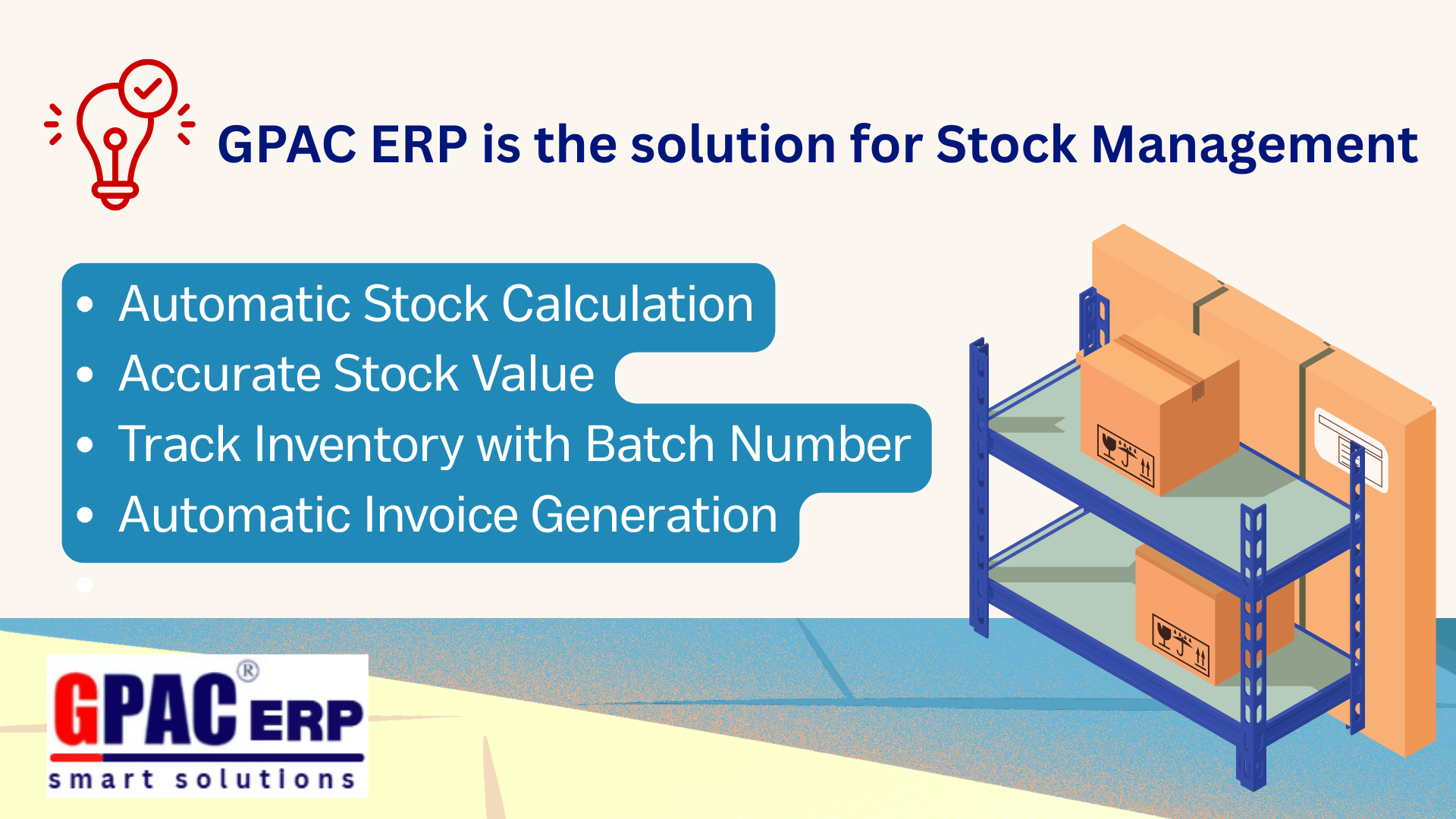
This module manages the stock of a business. The module supports:

  • Item Registration: This feature allows organizing inventory into Item Categories, Item Groups, and Item Subgroups.
  • Opening Stock: The system simplifies the process of setting up the Opening Stock. It can easily enter all necessary inventory details, such as Voucher Numbers, Warehouse Names, Batch Numbers, Rates, and Quantities.
  • Stock Transfer: Tracking Stock Transfers between warehouses, departments, or locations.
  • Stock Damage: Damage Tracking captures essential details on damaged items, their quantity and the reasons for the damage, and their monetary value.
  • Stock Reports: The Stock Reports include Item List Report, Inventory Statement, Item Ledger, Stock Ledger, Stock Transfer Report, and Invoice Report etc.

Point of Sale (POS) Module

GPAC POS is a fast and user-friendly system which is ideal for super shops, retail stores, and similar outlets where products are sold through barcode scanning. The system simplifies transactions through barcode scanning, supports multiple payment methods including cash, cards, and digital wallets.

Key Advantages of GPAC ERP Software

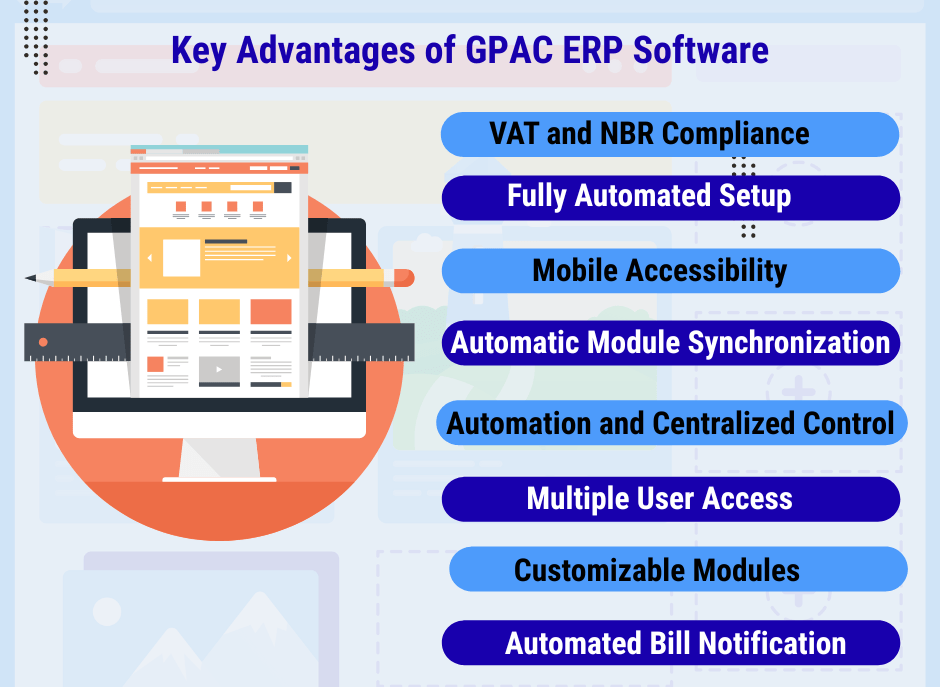
  • VAT and NBR Compliance: GPAC is developed with National Board of Revenue (NBR) requirements and VAT configuration built into the core system. This ensures accurate, compliant financial reporting, simplifies tax filing, and minimizes the risk of penalties or audits.
  • Fully Automated Setup: The setup process is simple and entirely automated. GPAC provides easy installation as users can fully automate the signup and installation directly from the platform's e-commerce site https://ecommerce.gpacerp.com/.
  • Mobile Accessibility: As an integrated cloud-based system, GPAC ERP software ensures full mobility because it is web-based and accessible via a mobile-optimized interface.
  • Automatic Module Synchronization: The core strength of GPAC ERP software is its integrated design, which eliminates the need to manually update each module. When any information such as an invoice, sales record, or payment is entered into one part of the system, all other relevant modules are automatically updated in real-time.
  • Time-Saving Automation and Centralized Control: The ERP system is designed to drastically reduce the burden of error-prone manual tasks such as bookkeeping, billing, and stock updates. GPAC integrates accounting, inventory, and sales to prevent duplication and errors.
  • Multiple User Access: GPAC ERP software ensures effective team collaboration by offering multiple user access on a secure platform that maintains data integrity through advanced security features.
  • Customizable Modules: GPAC understands that every organization has unique workflows. If a necessary functionality is missing, the GPAC ERP team is ready to design, develop, and seamlessly integrate a tailored feature via a separate agreement.
  • Automated Bill Notification: This system sends personalized billing details directly from the customer’s receivable ledger to their email using customizable templates and optional PDF attachments.

Frequently Asked Questions (FAQs)

  1. How fast and easy is the automated installation process for GPAC ERP?

    Users can fully automate the signup and installation directly from the platform's e-commerce site without requiring technical support or initial implementation consulting.

  2. Can I access GPAC ERP while away from the office?

    Yes, as an integrated cloud-based system, GPAC ERP is web-based and accessible via a mobile-optimized interface, ensuring full mobility for management to perform critical tasks from any location.

  3. How does GPAC ERP provide automation and real-time data to SMEs?

    GPAC ERP provides automation by reducing error-prone manual tasks like bookkeeping and stock updates and offers real-time data through its integrated design that automatically updates all relevant modules when new information is entered.

  4. Is GPAC ERP compliant with VAT and NBR requirements in Bangladesh?

    Yes, GPAC is developed with National Board of Revenue (NBR) requirements and VAT configuration built into the core system, simplifying tax filing and ensuring accurate, compliant financial reporting.

  5. What financial reports and features are included in the GPAC ERP Accounting Module?

    The Accounting Module supports the Chart of Accounts, Opening Balance Management, a Voucher system and generates comprehensive Financial Reports like the Balance Sheet, Income Statements, and Cash Flow Reports.

  6. How does the system ensure data accuracy across different departments?

    The core strength is its integrated design. When information is entered into one part of the system (e.g., a sales record), all other relevant modules (e.g., accounting, inventory) are automatically updated in real-time.

  7. How does GPAC ERP simplify the process of setting up inventory details?

    The system simplifies setting up the Opening Stock by allowing users to easily enter all necessary inventory details, such as Voucher Numbers, Warehouse Names, Batch Numbers, Rates, and Quantities.

  8. How does the GPAC ERP Sales Module handle customer orders and payments?

    The Sales Module automates the sales process from creating Sales Orders to managing the Delivery Order (DO). It also handles Automated Invoice Generation, VAT/discount calculations, Sales Returns etc.

  9. What is the key advantage of GPAC ERP's Automatic Bill Notification system?

    The Automated Bill Notification system sends personalized billing details directly from the customer’s receivable ledger to their email using customizable templates and optional PDF attachments.

  10. Can GPAC ERP integrate custom features tailored for business workflows?

    GPAC offers Customizable Modules. The team can design, develop, and seamlessly integrate a tailored feature via a separate agreement if a necessary functionality is missing.